
Note
Go to the end to download the full example code.
Read Block Model File#
This example shows how to read a block model file.
import geogeometry

from geoassistant import BlockModel

bmodel_path = "../resources/bmodel_01.csv"
GeoAssistant BlockModel.load detects the file extension, read the file and returns a BlockModel instance:
bm = BlockModel.load(filepath=bmodel_path)

# bm.printSummary()
# sys.exit()
At this point, the model is read and loaded using pyarrow under the hood. However, GeoAssistant does not yet know what the model is actually representing. You need to explicitly specify this.
First, let’s define the coordinate keys:
bm.setPositionKeys(xkey="centroid_x", ykey="centroid_y", zkey="centroid_z")

plane = geogeometry.Plane.createAsOrthogonal(axis="y", level=7_122_650)
bm["rmr_b"].setParameterID(parameter_id="RMRB")
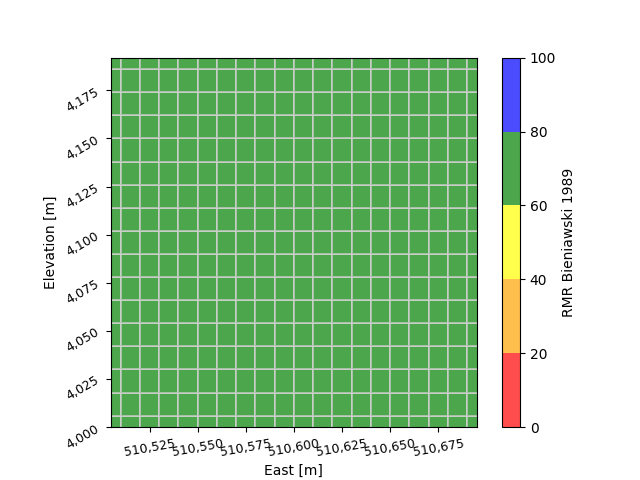
section = bm.createCrossSection(plane=plane)

section.plot(parameter_id="RMRB", show_values=False)


# section = geogeometry.Section(plane=plane)
# section.addRawPoints(name="bmodel", points=b, color="red", marker="x")
# section.plot(savepath="./test.png")
Total running time of the script: (0 minutes 1.444 seconds)